
The direct answer
When a gate remote stops working, describe whether the problem affects one handheld control, several controls or the whole entrance. Use observations from normal authorized use rather than repeated test cycles. A remote symptom does not identify the failed component or prove the gate is safe. Leave equipment access, programming and repairs to the appropriate professional.
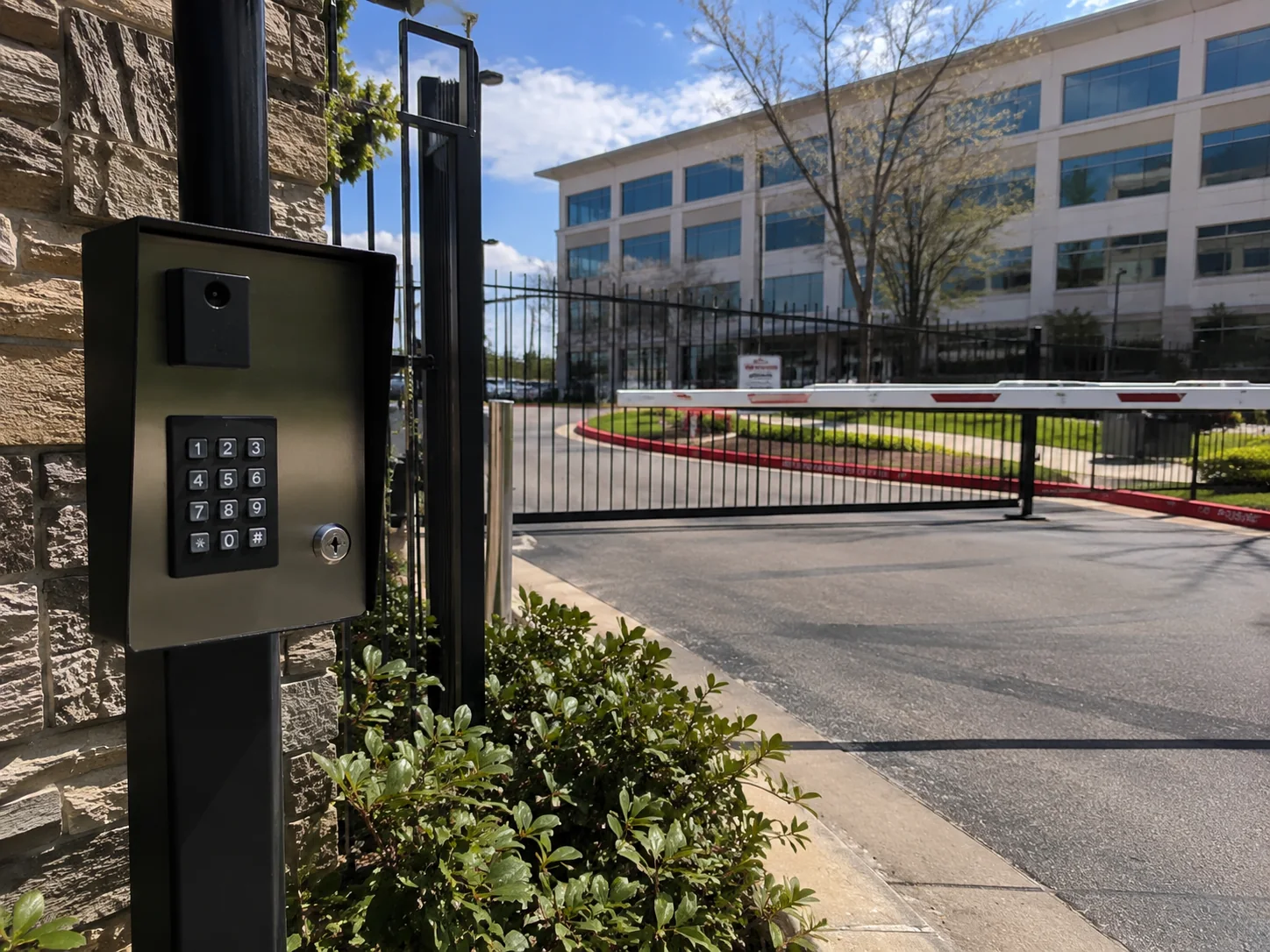
Start with the access problem, not a replacement part
A remote is the part you hold, but entry also depends on the receiving equipment and the rest of the gate system. Did one familiar button stop producing a response, or has entry become unavailable to everyone? Record what you know without reproducing the fault.
This guide helps you prepare that account. It does not provide instructions for opening an operator cabinet, changing wiring, clearing stored credentials or programming a transmitter. If someone is trapped or there is an immediate emergency, contact the appropriate emergency service rather than attempting a gate repair.
Separate one-user reports from entrance-wide reports
Ask other authorized users or the property manager whether they have already reported a problem. Their existing observations can establish the scope without arranging extra gate movements. Distinguish a remote that used to work from a newly purchased remote that has never been accepted by this entrance.
If another authorized entry method was used normally and successfully, include that fact and its time. It helps the technician decide what to investigate without ruling out an intermittent fault. A working keypad yesterday does not establish how the gate behaved when your remote failed.
- One handheld remote affected: record its model if the label is safely accessible.
- Several remotes affected: note whether the reports began together or at different times.
- Other entry methods affected: describe what users observed, including any displayed message.
- New or replacement remote: record who supplied it and whether compatibility was confirmed.
Do not assume similar-looking remotes are compatible
LiftMaster’s official receiver compatibility chart organizes supported remotes by receiver model and radio technology. That is a useful example of why appearance, button count or the brand printed on the gate operator is not enough to select a replacement. Another system may have different requirements.
Ask the technician or authorized property administrator to identify the installed receiving equipment and confirm the appropriate replacement. Give them any existing paperwork rather than reaching behind equipment to find a hidden label. At a managed property, buying a remote does not by itself grant permission to enter; the administrator needs to confirm the access arrangement.
Record changes without changing the system
Make a short timeline: the last normal use, the first failed request and any relevant report from the property manager. Mention a dropped or damaged handheld control, a recent equipment visit or a change in who administers access if you know about one. Report these as facts, not explanations.
If a fault message is visible from a normal safe position, record its exact wording. Keep photos free of access codes, resident details and other private information. Do not move closer to the gate mechanism to obtain a better photograph. There is no need to photograph the inside of a cabinet or identify an electrical component before asking for help.
Keep people clear when the symptom becomes a movement problem
DASMA’s owner guidance calls for discontinuing use when a gate is damaged, difficult to move or has improperly operating safety systems. If the remote concern is accompanied by unpredictable movement or visible damage, keep people away and arrange professional attention. Do not keep pressing buttons to see whether the problem clears.
An authorized pedestrian entrance is the appropriate route for people. Do not reach through, climb over or squeeze around a vehicle gate. Tell the property manager about any access interruption so residents and deliveries can receive consistent directions. Ask the technician about safe arrangements for that particular entrance; this article does not provide a manual-release procedure.
Send a service request that someone can act on
Collect the property address, gate type, contact person, affected entry methods and timeline in one message. Say whether a normal alternative entrance is available and whether the manager has arranged a visit. This helps avoid conflicting reports.
For a DFW entrance, the gate repair service is the next step for a professional assessment. If the issue concerns permission changes or replacement credentials, include the access-control administrator in that discussion. Keep the appointment record with your equipment documents so a later intermittent report has useful context. A successful remote response after a visit is still only part of the complete system handover.
Questions property owners ask
Does one working remote prove the operator is fine?
No. It is a useful observation about that particular request, not a complete assessment of an intermittent problem or the safety of the entrance.
Should I erase the receiver memory and start again?
No. This guide does not recommend programming changes. They can affect other authorized users. Have the appropriate technician and property administrator manage the installed equipment.
Can I buy any remote with the same number of buttons?
Do not assume compatibility. Confirm the installed receiver and supported radio technology with the appropriate professional before choosing a replacement.
Continue planning
Related guide: Automatic Gate Safety and Maintenance: An Owner’s Planning Guide →
Related guide: Planning Gate Access Control: A Property Owner’s Checklist →
Related guide: Sliding vs. Swing Driveway Gates: Plan Around the Entrance →
Related guide: Solar-Powered Gate Planning: Questions Before Choosing an Operator →
Related guide: Commercial Automatic Door Planning: An Owner’s Entrance Brief →
Sources & further reading
This is general planning information. Use the instructions for the equipment installed at your property and discuss system-specific questions with a qualified service professional.