
The direct answer
Plan gate access control around who needs entry, who grants permission and what should happen when a credential, connection or power supply is unavailable. Start with an entrance assessment and a written access policy. Then compare compatible keypads, remotes, readers and visitor-entry options with your installer.
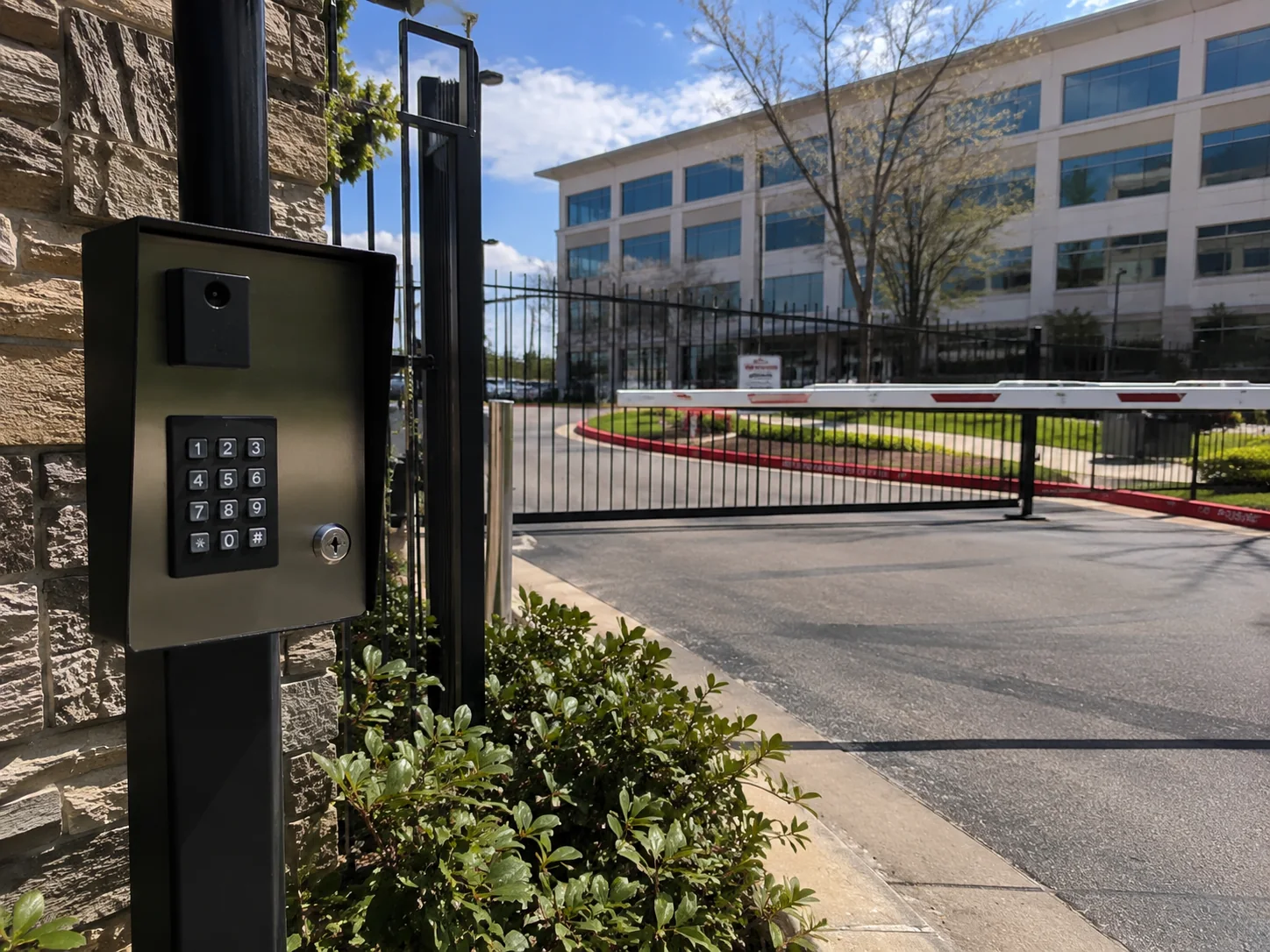
Define the entry problem before choosing hardware
An access control system decides whether an entry request is authorized; the gate operator moves the gate. The two must work together, but choosing a keypad alone does not resolve gate condition, pedestrian access or safety requirements. DASMA’s gate-system guidance treats controls and their location as part of the complete entrance.
Write a short brief about the property and its users. A household driveway, a shared residential entrance and a staffed business may need different workflows. Describe the current inconvenience or management problem so equipment comparisons stay connected to a real need.
Map regular users and visitor decisions
List the people who need routine access and the person responsible for granting it. Then describe guests, deliveries, contractors and users arriving outside normal activity. Decide who should approve a visitor when the usual contact is unavailable.
Manufacturer platforms illustrate the range of possible workflows, rather than a universal feature list. myQ Community describes mobile credentials, video calling and guest passes for compatible systems. Those capabilities should be confirmed against the specific hardware, account configuration and services proposed for your property.
- Who needs continuing access, and who only needs a temporary visit?
- Who adds and removes credentials when a resident, employee or contractor leaves?
- Who answers visitor requests, and what is the alternative if they cannot answer?
- Which entrances need coordinated access, including a separate pedestrian entrance?
Compare credentials as management choices
Ask how a keypad code, remote, card or mobile credential would be issued, replaced and withdrawn. Include the practical work of updating users in the comparison. A convenient entry method can still be a poor match if nobody is assigned to administer it.
Do not assume a mobile feature works with every phone or reader. LiftMaster’s mobile-credential documentation identifies supported devices and phone permissions, including Bluetooth and location services. Have the proposed workflow demonstrated using the equipment and devices that will actually be used. Include an agreed alternative for a lost or uncharged phone.
Confirm site connections and compatibility
Ask the installer to document the existing operator, available power, communication path and equipment that can be retained. Have the network and electrical responsibilities resolved before physical work starts. DASMA’s site-planning guidance emphasizes coordination between the gate installation, electrical work and model-specific requirements.
Treat descriptions such as wireless or cloud-managed as the start of a question. Ask what still needs power or a connection, which functions depend on internet service and how subscriptions or account changes affect operation. Get the answers for the proposed model in writing; do not infer them from another product in the same brand.
Decide how exceptions will be handled
Create a short list of scenarios for the proposal review: an expired credential, an unanswered visitor request, a connection outage and a change of property manager. Ask the supplier to explain the expected behavior in each case and identify who can make changes.
Outage behavior is product-specific. For example, LiftMaster distinguishes internet-dependent alert unlock from Bluetooth-based mobile credentials on supported devices. That distinction is a reason to ask precise questions, not a promise that all gate functions remain available during an outage. Arrange the emergency-access discussion with the installer and the appropriate local authority.
Request a usable handover, not just a working button
Before accepting a proposal, identify who will own the administrator account and where equipment details, manuals and support contacts will be kept. Ask what user information is collected, who can view it and how the property will manage access records. Establish a routine for removing obsolete permissions.
For the handover, prepare representative user and visitor scenarios for a supervised demonstration. Record unresolved questions and the person responsible for each one. Keep ongoing service needs separate from claims about security outcomes: no access device can promise that every unauthorized person will be prevented from entering.
Use Gate Surgeon’s access-control service page to discuss the entrance and the requirements you have collected. For an existing gate with erratic movement, request a gate repair assessment as well. The safety and maintenance guide explains which observations to bring without attempting repairs yourself.
Questions property owners ask
Is a keypad always the simplest choice?
It depends on how the property will issue, change and withdraw access. Compare administration and visitor needs as well as the physical device; confirm compatibility with the installed system.
Will mobile entry work during an internet outage?
Ask about each function on the proposed hardware. LiftMaster documents Bluetooth-based credential operation on supported devices separately from internet-dependent alert unlock. Other equipment may behave differently.
Does access control replace gate safety equipment?
No. Authorization to enter and safe gate movement are separate responsibilities. Have a trained installer assess the complete gate, controls and protective systems.
Continue planning
Related guide: Automatic Gate Safety and Maintenance: An Owner’s Planning Guide →
Related guide: Automatic Gate Remote Not Working: What to Tell Your Technician →
Related guide: Sliding vs. Swing Driveway Gates: Plan Around the Entrance →
Related guide: Solar-Powered Gate Planning: Questions Before Choosing an Operator →
Related guide: Commercial Automatic Door Planning: An Owner’s Entrance Brief →
Sources & further reading
This is general planning information. Use the instructions for the equipment installed at your property and discuss system-specific questions with a qualified service professional.