
The direct answer
Automatic gate maintenance starts with the instructions for your installed system, a clear vehicle entrance and a trained gate technician. Owners can document changes and arrange service; repairs, adjustments and safety-system testing need the appropriate professional. A working remote does not establish that the complete gate system is safe.
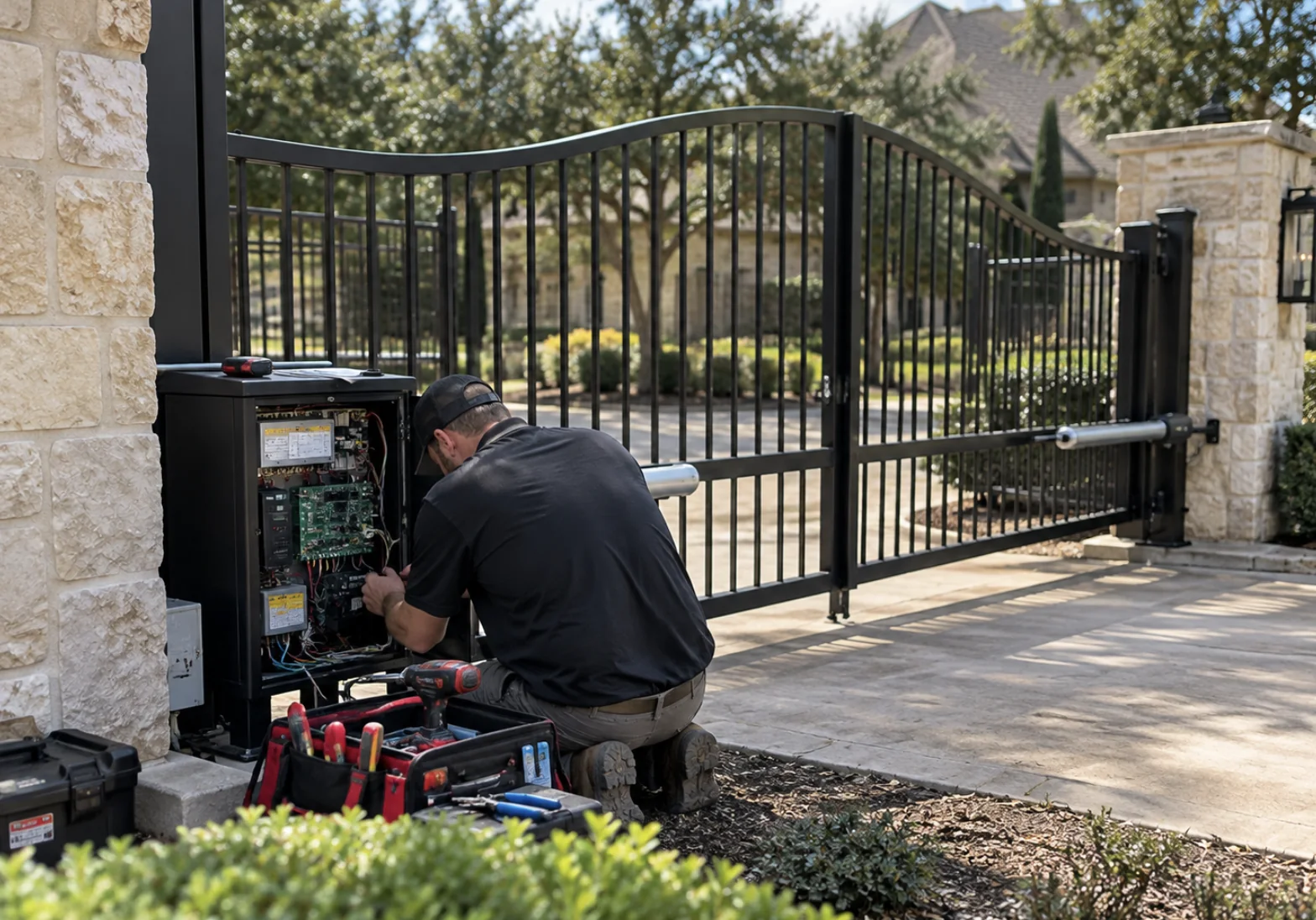
Treat the gate as a complete system
The moving gate, supporting hardware, operator, controls and protective devices work together. Replacing an operator does not resolve every problem with a damaged gate or an unsuitable entrance layout. DASMA describes safety as a system-design responsibility that includes the site, the people using it and the movement of the gate.
A vehicle gate also needs a separate pedestrian route. Keep children away from controls and moving equipment, and do not climb over, squeeze around or walk through a moving gate. Make the pedestrian entrance clear to residents, visitors and anyone receiving deliveries.
Know when to stop using the entrance
Do not keep cycling a gate that is damaged, dragging, moving unpredictably or showing a protective-device fault. Keep people away and arrange a professional assessment. Do not increase force, bridge a sensor or defeat a warning to make the gate move.
LiftMaster’s safety guidance distinguishes operator protection from the external devices needed around entrapment zones. Which devices belong at your entrance depends on the equipment and layout. A photograph or a successful open-and-close cycle cannot verify the full installation.
Keep a useful observation log
From a safe location outside the movement area, record what changed before requesting service. Your notes help explain an intermittent problem without repeated attempts to reproduce it. Do not open electrical cabinets or reach into rollers, hinges or the operator.
DASMA’s property-owner checklist identifies hardware condition, unusual movement and damaged protective equipment as inspection topics. Use those topics to describe concerns to a technician, rather than as instructions to adjust the system.
- Note the date, weather and whether the problem affects opening, closing or both.
- Describe unusual noise, visible damage or a change in alignment from outside the gate path.
- Photograph a visible model label or displayed message only when it is safely accessible.
- Explain whether all controls are affected or only one remote, keypad or credential.
Build the service plan around the actual equipment
Find the manuals for the installed operator and accessories, not simply a similar-looking product. Ask the technician to identify the model and explain the maintenance and testing schedule that applies to it. Usage, site conditions and manufacturer instructions belong in that discussion.
Nice’s owner guidance places repairs, programming and adjustments with the installer and calls for documented maintenance. Keep the resulting records with the property. If responsibility changes between owners, tenants or managers, transfer those records rather than leaving the next person to reconstruct the system.
Use the appointment to improve the handover
Ask for a written description of the concern, the work completed and any unresolved items. Separate a repair that restores movement from an assessment of the complete entrance. If replacement is proposed, ask what existing gate or safety limitations the new equipment will address.
Agree who will retain manuals, manage credentials and arrange future service. For a managed property, choose one person to collect fault reports so residents are not giving conflicting instructions. Ask the technician to explain the manufacturer’s emergency and manual-operation provisions in person. This guide does not provide a release procedure.
Prepare a clear service request
You do not need to diagnose a motor or buy a replacement part before making contact. Give the property location, gate type, observed symptom and any known equipment information. Say if the entrance is currently out of use so the conversation starts with the actual access problem.
For a Dallas-Fort Worth property, discuss these observations with Gate Surgeon through the gate repair service page. If the concern involves changes to who can enter, the access-control planning guide helps organize that separate conversation. Preserve service records even when the immediate problem seems resolved.
Questions property owners ask
How often should an automatic gate be serviced?
Use the installed equipment’s maintenance instructions and a technician’s site assessment. There is no single interval in this guide that applies to every operator, usage level and entrance.
Can I bypass a sensor until the appointment?
No. Do not defeat protective devices or continue using a gate that needs repair or adjustment. Keep people clear and ask a trained gate technician how to manage the entrance safely.
Does opening normally mean the gate is safe?
No. Normal movement does not confirm the condition of the gate hardware, layout or protective systems. Arrange the inspection and testing appropriate to the installed system.
Continue planning
Related guide: Planning Gate Access Control: A Property Owner’s Checklist →
Related guide: Automatic Gate Remote Not Working: What to Tell Your Technician →
Related guide: Sliding vs. Swing Driveway Gates: Plan Around the Entrance →
Related guide: Solar-Powered Gate Planning: Questions Before Choosing an Operator →
Related guide: Commercial Automatic Door Planning: An Owner’s Entrance Brief →
Sources & further reading
This is general planning information. Use the instructions for the equipment installed at your property and discuss system-specific questions with a qualified service professional.